When you purchase or renew a web hosting service or domain name, completing the payment is a critical step to ensure uninterrupted access and service continuity. This guide walks you through the typical steps for making payments successfully after an order or renewal request.
Access Your Renewal Invoice
Once your service or domain is due for renewal, our system automatically generates an invoice for you. To access it:
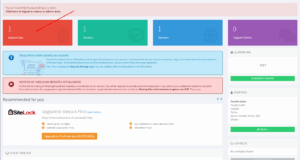
- Log in to your Stormerhost Client Area.
- Go to Billing > My Invoices.
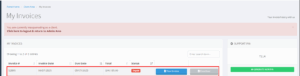
- Look for the invoice marked “Unpaid” with the renewal date and click on view invoice.
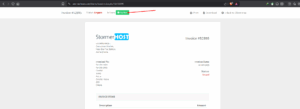
- Click on Pay Now when the invoice is open after clicking on View Invoice.
- Select the payment method, Mobile Money/Credit Card (Auto). Click on pay now.
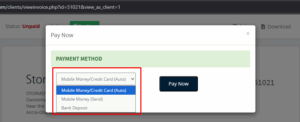
Select payment method then click on paynow.
- Enter your mobile money number and select your provider to make payment.
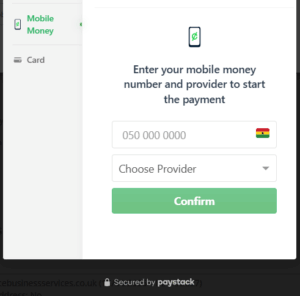
Follow the instruction to make th payment.
