
Your Support PIN is a security code required before our technical or customer support team can access your account. This helps us protect your information and ensures only authorized users can request changes or troubleshooting.
You may be asked for this PIN when requesting help with:
- Email configuration or errors
- Website issues
- Billing or account-related changes
- Any support that requires account access
Step-by-Step Guide
- Visit our website: stormerhost.com
- Click on the Login button to access the Client Area.
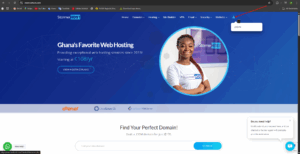
Click on the login icon.
- Log in using one of the following options:
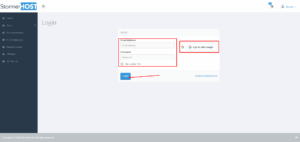
Provide your credentails.
-
Enter your email address and password, or
-
Click “Login with Google” if your account was registered using Google.
-
- Click Login to access your account dashboard.
- In your stormerhost dashboard, locate a 4 digit on the right side bar
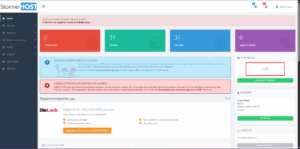
Your support PIN is the 4-digit number on the right side of the client area.