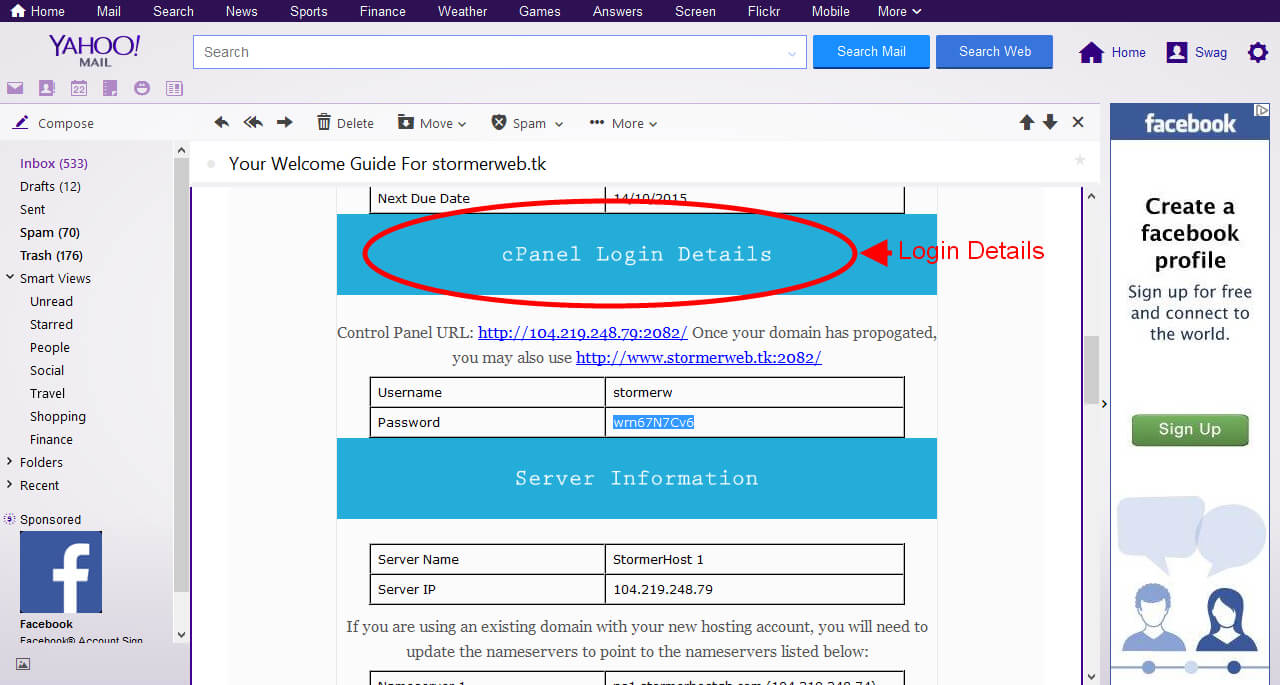
1.Login to your email account. Open the Welcome Guide email for your purchased hosting account.

2. Scroll down to the section “cPanel Login Details”. Click on the first Control Panel URL to access cPanel login page (You may also use the second url once your domain name is fully propagated ). Your cPanel login page can also be accessed by adding ” /cpanel” at the end of your registered domain (eg. mynewdomain.com/cpanel).
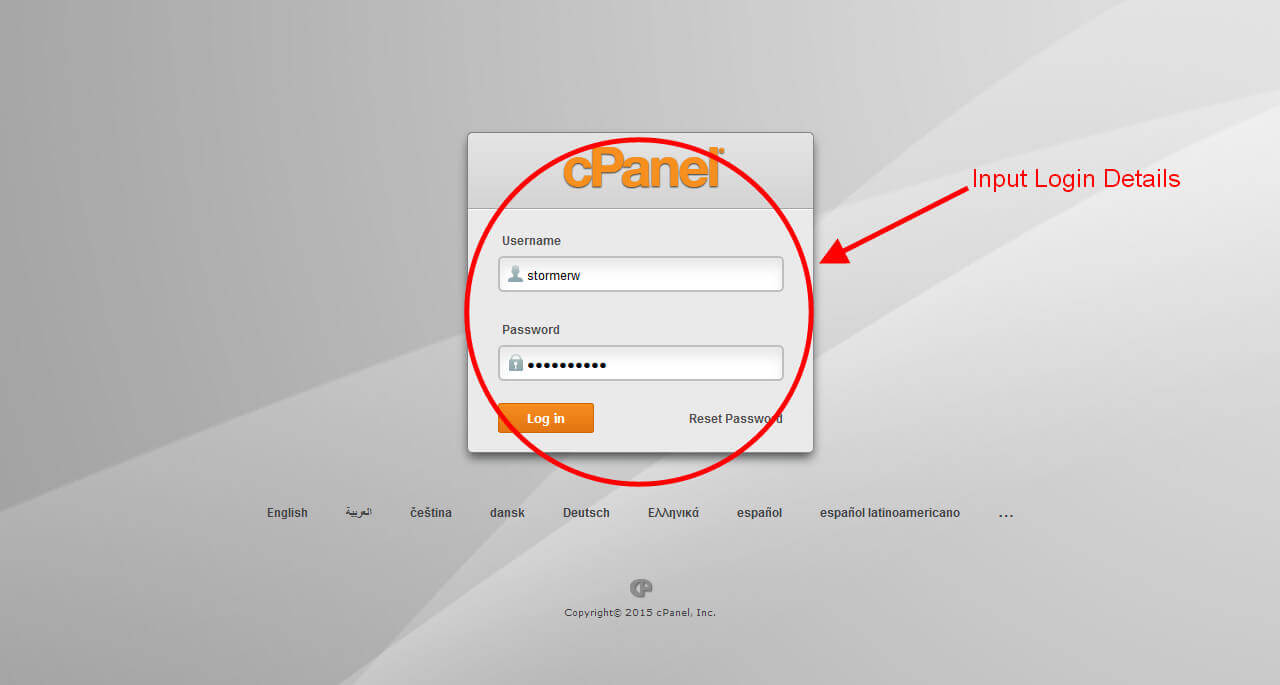
3.Input the login details of your control panel
4. A successful login would display a page as below.

